Cloud-based car rental managementMulti-language operationsSecure online booking
info@easywebrent.com
Complete platform features · July 2026

One platform for the complete car rental operation.

Easy Web Rent combines staff operations, customer online booking, payment processing, reporting, fleet tracking, and customer communication in one connected system.
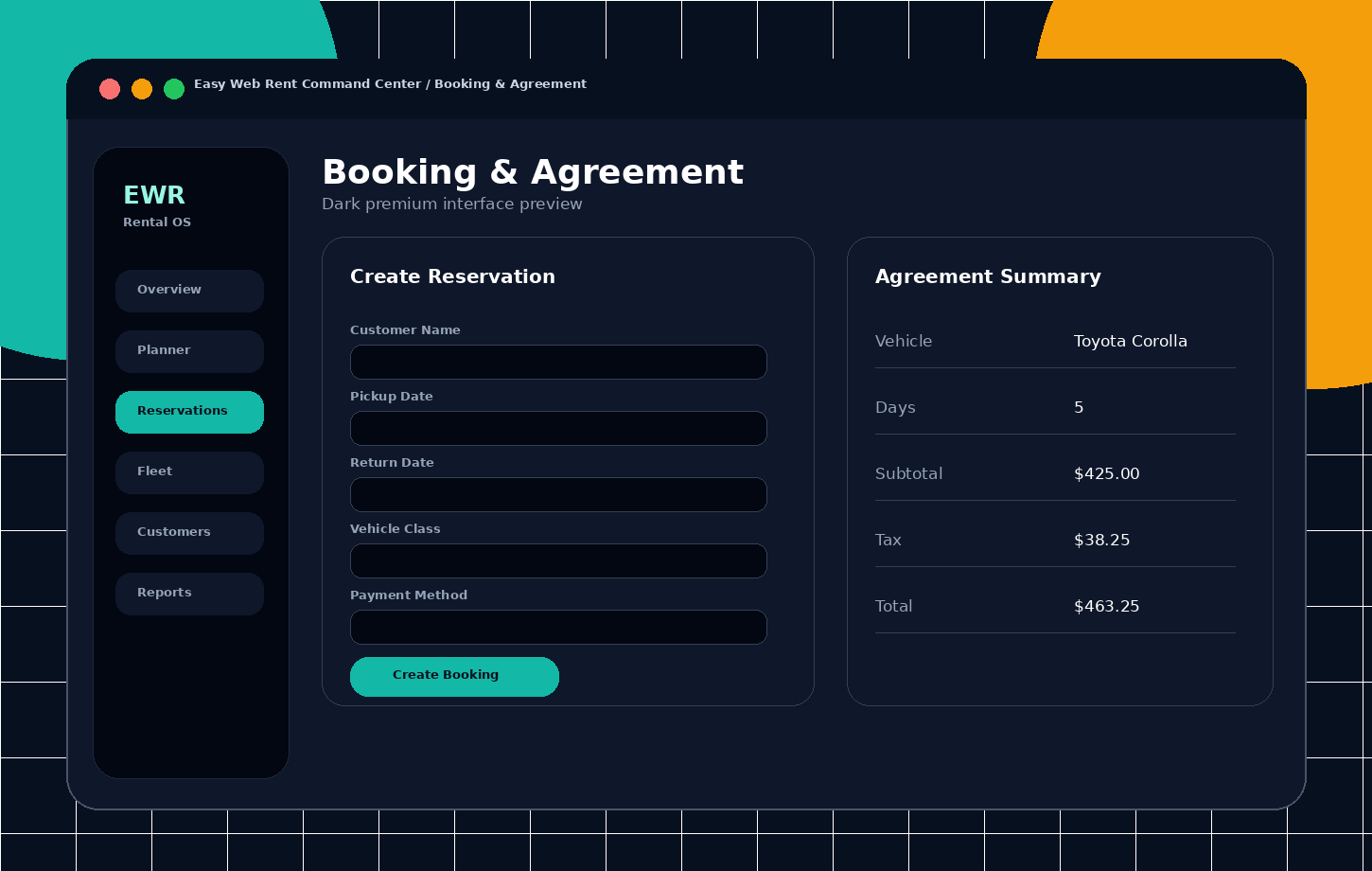
Easy Web Rent booking and rental agreement interface
End-to-end rental lifecycleQuote → Reservation → Agreement → Check-out → Check-in → Invoice
Connected by design

One connected system for staff and customers

The same customer, vehicle, availability, pricing, and payment information is shared between daily staff operations and the customer booking website.

Admin & staff UI

Daily operations, fleet control, customers, pricing, payments, reporting, and system administration.

Client website

Fleet browsing, availability, online booking, checkout, payment, confirmations, and self-service.

01
Product platform

Product overview and architecture

Easy Web Rent is an integrated web-based car rental platform connecting daily rental operations, customer online booking, payment processing, reporting, fleet tracking, and configurable business rules.

Management application

  • Browser-based tools for staff, managers, and administrators.
  • Manage bookings, customers, drivers, vehicles, payments, reports, and configuration from one application.
  • Role-based navigation and operational workflows for different teams.

Client website

  • Responsive fleet browsing and availability search.
  • Online reservation checkout, add-ons, payment, confirmation, and customer self-service pages.
  • Website content, branding, translations, privacy, and terms managed from the system.

Cloud access and connected operations

  • Access the system securely from a modern browser without installing a local server at each rental location.
  • Keep bookings, customers, vehicles, payments, and reports connected across departments and locations.
  • Import and export business data when needed for daily administration and accounting.

End-to-end rental lifecycle

  • Lead or quotation to reservation, vehicle assignment, agreement, check-out, check-in, invoice, payment, and closure.
  • Shared customer, pricing, availability, and vehicle information throughout the lifecycle.
  • Multi-location pickup, return, business hours, availability, and vehicle transfers.
02
Administration

Access control, company administration and auditability

User administration, permissions, company defaults, subscription controls, and operational logging provide a controlled and traceable working environment.

Authentication and user accounts

  • Login, logout, forgotten-password, password reset, and change-password workflows.
  • Create, edit, activate, deactivate, restore, and remove user accounts.
  • Administrative password reset, per-user roles and permissions, activity history, and login history.

Roles and permissions

  • Create, edit, and delete roles with safeguards for protected system roles.
  • Assign permissions by module and action.
  • Control menu visibility and the actions available to each user role.
  • Keep role and permission assignments consistent when the system is updated.

Company and system settings

  • Company profile, logo, currency, supported languages, timezone, date format, date separator, and 12/24-hour time format.
  • Global or location-based check-in and check-out windows.
  • Agreement numbering, deleted-number reuse, printing behavior, and maintenance alert thresholds.
  • Inclusive-tax mode and client-website enable or under-construction controls.

Audit and operational logs

  • Application activity log with user, action, record, and change details.
  • Login history and operational audit records for traceability.
  • Filter activity by user, action, record, and date.
  • Timezone-aware date and time display using the company settings.
03
Live operations

Dashboard, Quick Lookup, planning and fleet control

Operational users receive current views of today’s workload, fleet state, upcoming rentals, outstanding balances, and exceptions requiring attention.
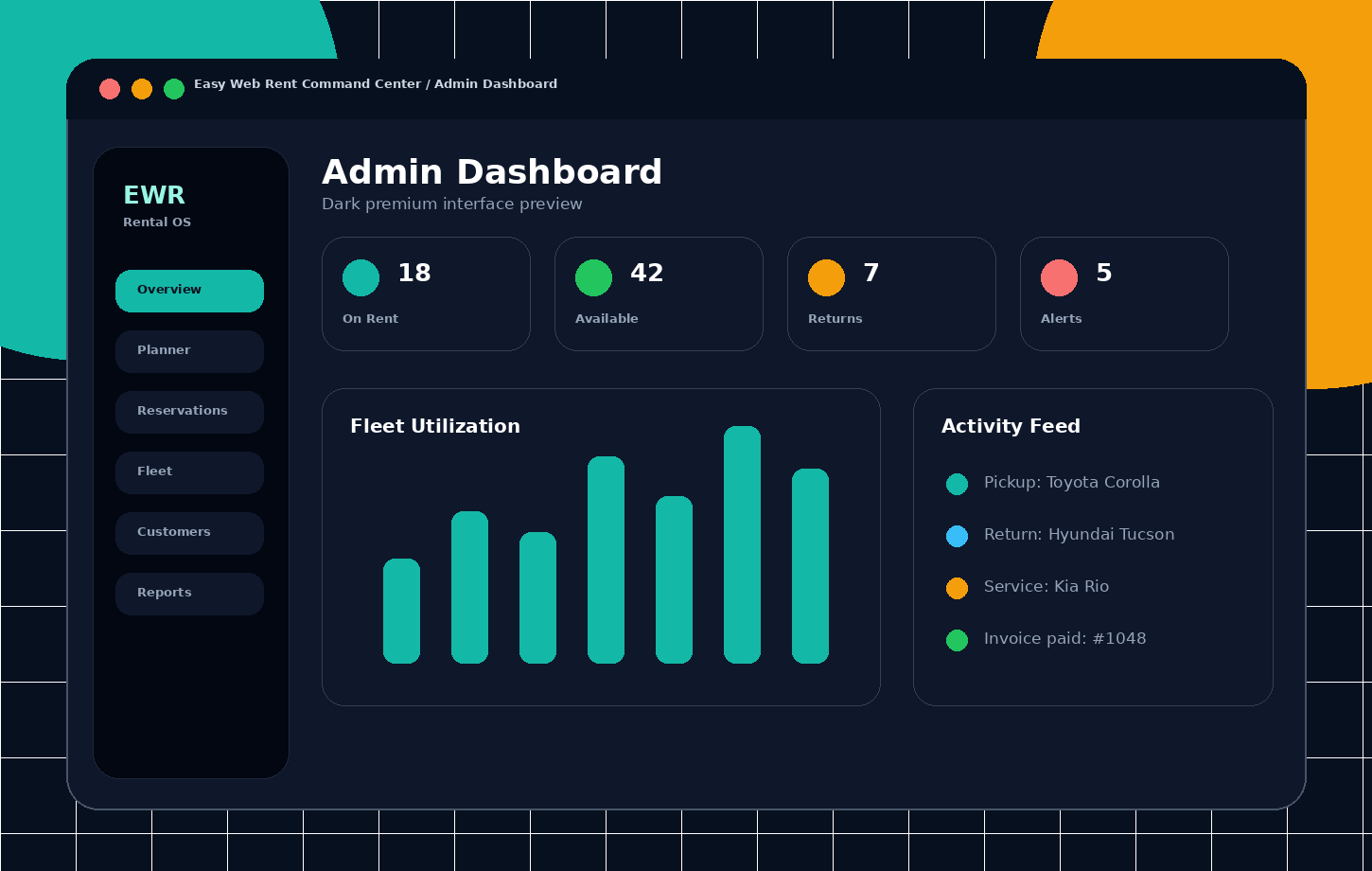
Easy Web Rent live operations dashboard screen
Product interfaceLive operations dashboard

See reservations, pickups, returns, utilization, balances, maintenance alerts, and recent activity in one operational view.
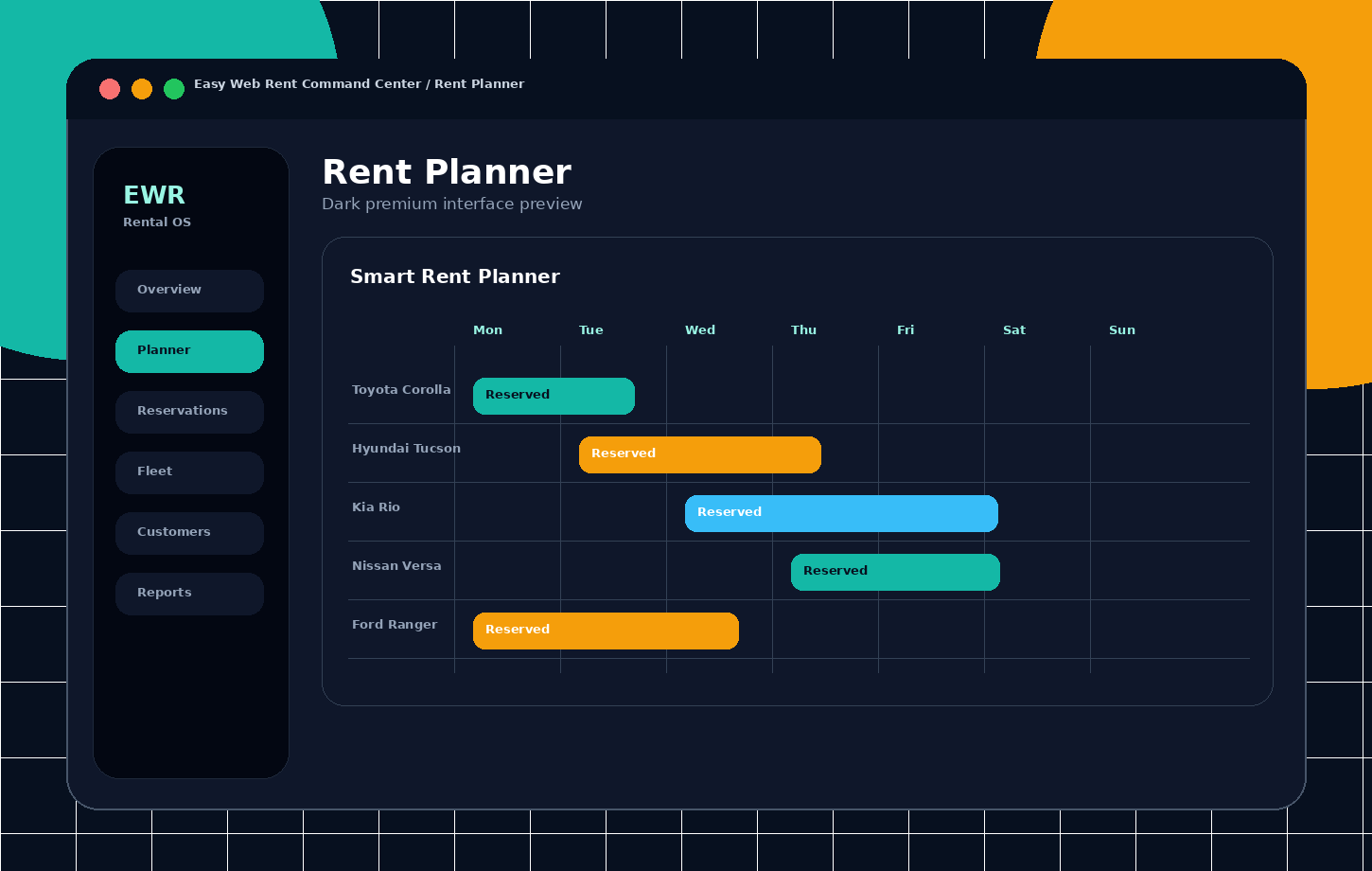
Easy Web Rent visual rent planner screen
Product interfaceVisual rent planner

Plan vehicle assignments on a clear timeline with reservation spans, availability, status colors, and conflict awareness.

Management dashboard

  • Today’s reservations, pickups, returns, and recent activity.
  • Overdue agreements and rentals with outstanding balances.
  • Fleet status, utilization, revenue summaries, maintenance alerts, and document-expiry alerts.
  • Dashboard check-in actions and notification support.

Quick Lookup

  • Search bookings and open detailed records quickly.
  • View today’s reservations, pending arrivals, on-rent vehicles, upcoming rentals, and balance panels.
  • Reserved, unreserved, available, and maintenance vehicle lists.
  • Inline vehicle actions and check-in modal.

Rent Planner

  • Visual timeline and event views for vehicles and vehicle classes.
  • Pickup, return, reservation, and agreement spans with configurable status colors.
  • Conflict detection, availability overlays, and vehicle or class filters.
  • Operational planning across day, week, and longer periods.

Vehicle Status Board

  • Current overview of available, booked, checked-out, needs-cleaning, and out-of-service vehicles.
  • Status transitions after check-in, cleaning, and maintenance actions.
  • Visual fleet monitoring outside the booking detail screen.
04
Core rental workflow

Quotations, reservations and rental agreements

A shared booking workflow supports the complete commercial and operational rental lifecycle with consistent pricing, availability, customer, driver, and vehicle information.

Easy Web Rent booking and agreement workspace screen
Product interfaceBooking and agreement workspace

Create quotations, reservations, and rental agreements while keeping customer, vehicle, pricing, payment, and rental details together.

New booking and quotation creation

  • Pickup and return locations, dates, and times.
  • Vehicle-class filtering and individual vehicle selection.
  • Quotation, reservation, or rental agreement workflow selection.
  • Customer search and reuse, new-customer creation, primary and additional drivers.
  • Flight details, referral agent, notes, rates, options, taxes, charges, promotions, and conflict checks.

Quotation lifecycle

  • Create, edit, calculate, view, cancel, reinstate, and expire quotations.
  • Assign or change vehicles and drivers.
  • Recalculate after dates, vehicle, rates, or options change.
  • Convert a quotation to a reservation while preserving customer and pricing context.

Reservation lifecycle

  • Create, update, assign vehicle, cancel, reinstate, and delete reservations.
  • Upcoming, pickup, return, unassigned, and cancelled lists.
  • Server-side price retrieval and recalculation, reservation payments, and payment history.
  • Customer and driver associations, conversion to draft agreement, and confirmation emails.

Agreement operations

  • Draft creation, update, assignment, vehicle exchange, extension, recalculation, cancellation, reinstatement, and closure.
  • Booked, checked-out, checked-in, closed, and cancelled statuses.
  • Fuel and odometer out/in, inspections, digital signatures, pictures, documents, damage diagrams, notes, history, and additional drivers.
  • Outstanding-balance controls before final closure.

Printing, PDF and email

  • Agreement preview and print output in A4/Letter or 80 mm thermal format.
  • Invoices, receipts, PDF export, and customer documents.
  • Email agreement, invoice, and check-in confirmation.
  • Configurable agreement templates and terms-and-conditions behavior.
05
Customer records

Customer and driver management

Customer records combine contact, compliance, payment-reference, history, documents, warnings, and driver information needed for daily rental operations.

Customer master record

  • Main details, contact information, addresses, identity fields, insurance, and credit-card reference details.
  • Warnings, alert flags, documents, remarks, and operational instructions.
  • Rental history, outstanding balances, and associated drivers.
  • Sensitive payment information is protected.

Configurable customer fields

  • Separate visible and required rules for rental bookings and reservation or quotation workflows.
  • Immediate validation feedback and field highlighting.
  • Shared requirements for staff-created and client-website reservations.

Drivers and compliance

  • Create and update reusable driver records from customer or booking context.
  • License details and license-status checking.
  • Multiple drivers per agreement with linked reservation and rental history.
  • Driver document support.

Groups, import/export and AI review

  • Customer groups and grouped customer views.
  • CSV or Excel customer import, sample export, and customer export.
  • AI-assisted identity or supporting-document scan and review.
  • Apply extracted data to customer records after review.
06
Fleet administration

Fleet, vehicle classes, maintenance and tracking

The fleet module manages the complete vehicle record, availability state, compliance, maintenance, expenses, profitability, and live position data.
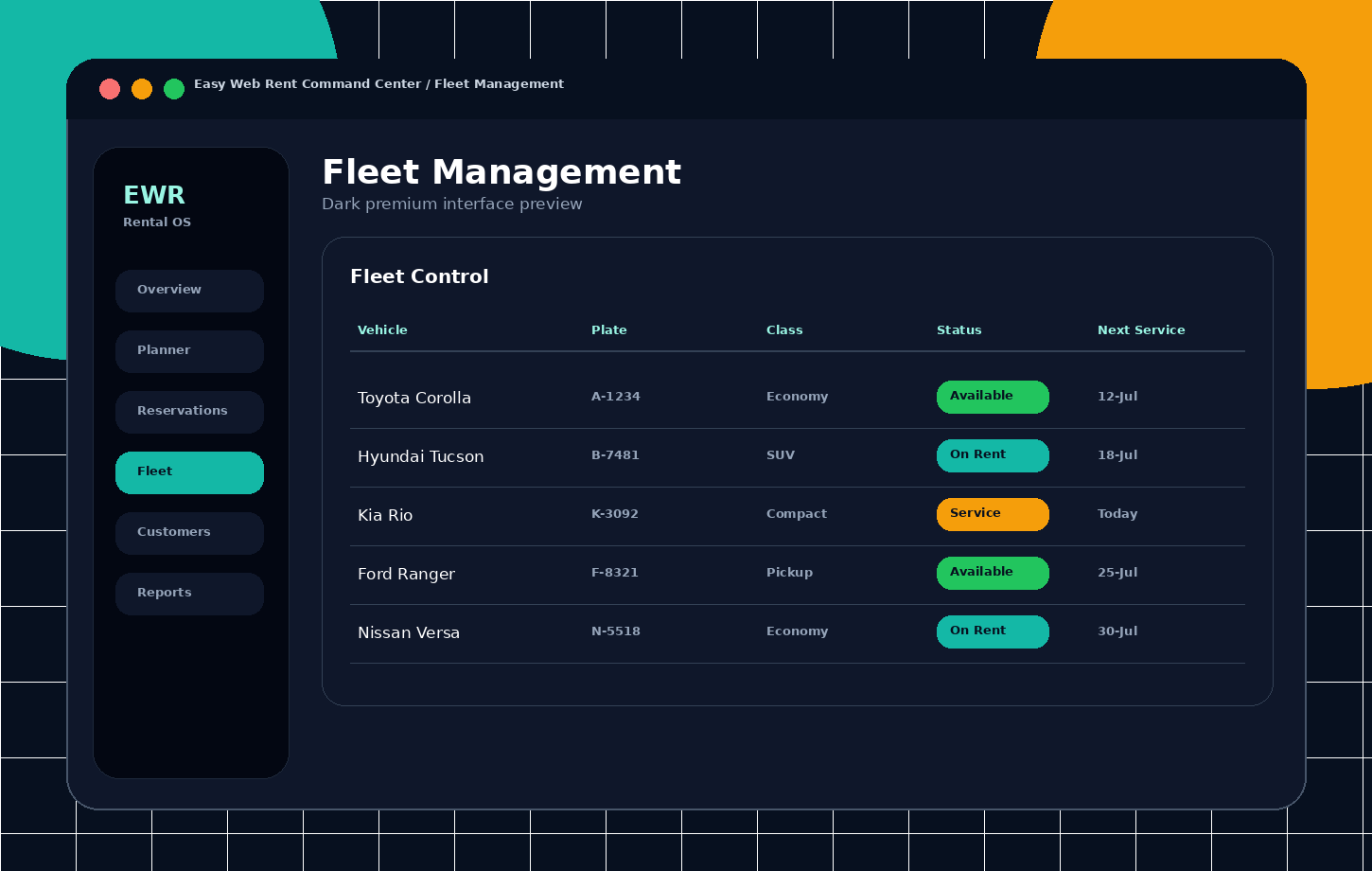
Easy Web Rent fleet and vehicle administration screen
Product interfaceFleet and vehicle administration

Review vehicle status, class, registration, service information, location, availability, documents, rates, and rental history.

Vehicle master record

  • Stock and registration numbers, make, model, class, body style, features, and operational identifiers.
  • Ownership, acquisition information, pictures, documents, license, insurance, and expiry information.
  • Rental rates, rental history, status, location, odometer, and fuel level.

Vehicle classes

  • Create, edit, view, and delete vehicle classes.
  • Class images, descriptions, assigned vehicles, and class availability.
  • Default and seasonal class rates and customer-facing class display.

Status, cleaning and service

  • Available, booked, checked-out, needs-cleaning, and out-of-service states.
  • Mark clean, return to service, update mileage and fuel, and transfer vehicles between locations.
  • Maintenance due, overdue, upcoming, completion, and reset workflows.
  • Configurable dashboard alerts by date and mileage or kilometres.

Expenses and profitability

  • Create, edit, delete, summarize, and review vehicle expenses.
  • Vehicle profitability and fleet-profit reports.
  • Maintenance and expense information available in financial and management reports.

GPS and Traccar tracking

  • GPS device list, synchronization, refresh, link, and unlink actions.
  • Vehicle-to-tracker relationships and current-position dashboard.
  • Route history, recent positions, and individual or full-fleet synchronization.
07
Pricing and availability

Rates, availability, taxes, charges and rental options

Centralized pricing and availability ensure that staff bookings and the customer website apply the same rates, taxes, options, and availability rules.

Rate configuration

  • Rate settings and calculation options.
  • Default vehicle-class rates, seasonal class rates, and vehicle-specific rates.
  • Static-rate and calculated-rate workflows.
  • Consistent rate calculation, day-rate logic, and duration rules.

Seasons and booking spans

  • Create, edit, and delete rental seasons and booking spans.
  • Class and vehicle rates by duration band.
  • Date-range calculations across seasonal boundaries.

Options, taxes, charges and promotions

  • Rental options and add-ons with availability and rates.
  • Taxes, surcharges, fixed amounts, percentages, always-applied items, and selectable items.
  • Inclusive-tax mode where tax is displayed but excluded from the total.
  • Coupon and promotion discounts with usage reporting.

Availability and conflict control

  • Vehicle and class search by pickup, return, and location.
  • Availability counts, calendars, and reservation or agreement conflict checks.
  • Vehicle-specific, class-specific, and location-specific availability.
  • Consistent availability rules for staff bookings and the customer website.

Locations and operating hours

  • Create, edit, and delete rental locations.
  • Business hours and location-based check-in or check-out rules.
  • Location vehicles, classes, customer-site content, and vehicle transfers.
08
Financial operations

Payments, invoices, deposits, accounting and gateways

The payment module supports manual and online payments, complete transaction history, invoices, credit notes, security deposits, reconciliation, and accounting summaries.

Payments and transaction history

  • Payment-method configuration and activation.
  • Reservation and agreement payment entries with daily and period summaries.
  • Email and printable receipts.
  • Refund and void records that preserve the complete financial history.
  • Overpayment prevention against the remaining balance.

Security deposits

  • Hold or authorize a security deposit.
  • Release a deposit or charge all or part of it.
  • Deposit-liability reporting.
  • Gateway authorization capture and release where supported.

Invoices and credit notes

  • Invoice listing, detail, update, finalization, paid status, sending, voiding, and PDF output.
  • Email invoices from the agreement.
  • Create, update, apply, and void credit notes.
  • Agreement-closure controls based on remaining balance.

Online payment gateways

  • Stripe, PayPal, and Authorize.Net configuration options.
  • Test and live modes with connection testing.
  • Secure online checkout for reservation and agreement payments.
  • Capture, release, refund, and offline payment methods such as cash, bank transfer, or terminal payment.

Accounting and reconciliation

  • Customer, invoice, payment, credit-note, expense, and tax accounting information.
  • Daily accounting summaries and exportable financial snapshots.
  • Transaction status and payment-provider reference history.
  • Daily cashier closing and collection reports.
09
Customer booking channel

Client website, online booking and customer portal

A configurable customer-facing website connects directly to fleet availability, pricing, reservations, payments, and self-service information.
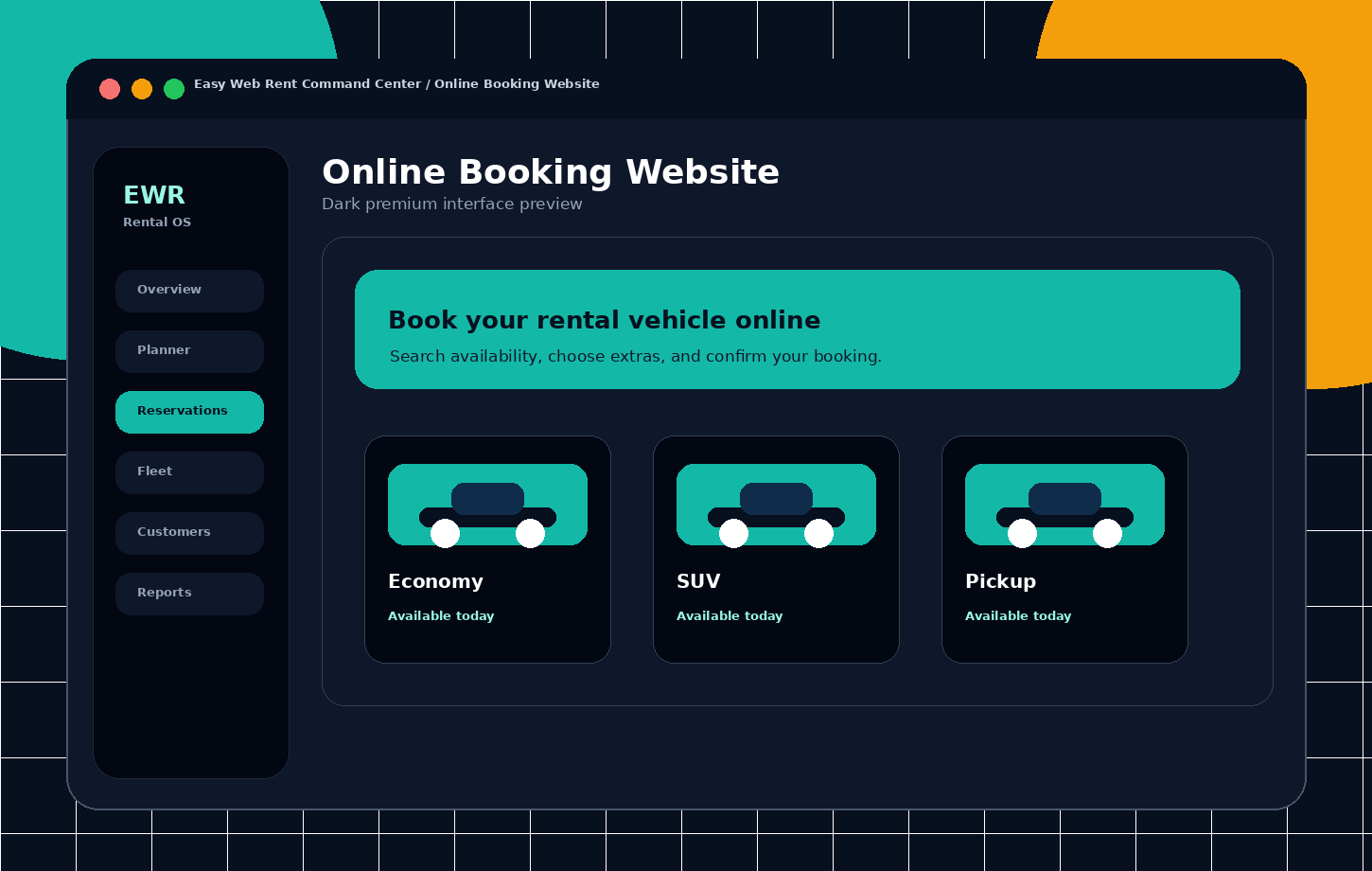
Easy Web Rent customer online booking screen
Product interfaceCustomer online booking

Let customers search availability, compare classes, select a vehicle, add rental options, pay online, and receive confirmation.

Website configuration and content

  • Theme colors, visual options, page banners, and favicon.
  • Home, fleet, reservation, location, about, contact, privacy, and terms content.
  • Website translation resources.
  • Enable or disable the client site and display an under-construction page.

Fleet browsing and search

  • Vehicle listing grid, list, and map templates.
  • Browse by vehicle class, class name, and vehicle detail pages.
  • Location and date-based availability search.
  • Class, vehicle, and characteristic filtering.

Online booking workflow

  • Pickup and return locations and dates.
  • Available vehicle or class selection, customer and driver details, add-ons, rates, taxes, and promotions.
  • Checkout, online payment, confirmation, success, printing, and cancellation flows.
  • Confirmation email to both the customer and the rental company.

Customer portal and self-service

  • Customer dashboard and booking lists for upcoming, in-progress, completed, and cancelled rentals.
  • Booking calendars, details, invoice details, payments, and wallet pages.
  • Documents, messages, notifications, preferences, security, integrations, wishlist, and reviews.

Marketing page templates

  • About, contact, FAQ, privacy, and terms pages.
  • Blog, gallery, team, testimonial, and pricing templates.
  • Coming-soon, maintenance, and under-construction pages.
10
Connected workflows

Communications, integrations and AI-assisted workflows

Centralized integration settings connect Easy Web Rent with email, WhatsApp, SMS-ready notifications, vehicle tracking, payment services, and AI-assisted tools.

Email and templates

  • Email configuration and connection testing.
  • Reservation confirmation, agreement, invoice, and check-in emails.
  • Pickup, return, and payment reminder templates.
  • Email delivery logs.

WhatsApp and SMS-ready notifications

  • WhatsApp connection settings and default sender number.
  • WhatsApp message templates and delivery logging.
  • SMS templates and sending options when a provider is configured.
  • Send test messages before activating a communication channel.

OpenAI-assisted functions

  • AI assistant questions and suggestions.
  • Document scanning and review.
  • Translation assistance and smart automation.
  • Connection testing and administrator-controlled activation.

Integration administration

  • Enable or disable each integration.
  • Choose test or live operating mode where supported.
  • Test connections before activation.
  • Registration guidance for Traccar, OpenAI, and WhatsApp.
11
Decision support

Reports and business analytics

Operational, financial, fleet, profitability, and exception reports support daily control and management decisions, with reusable print and export formats.
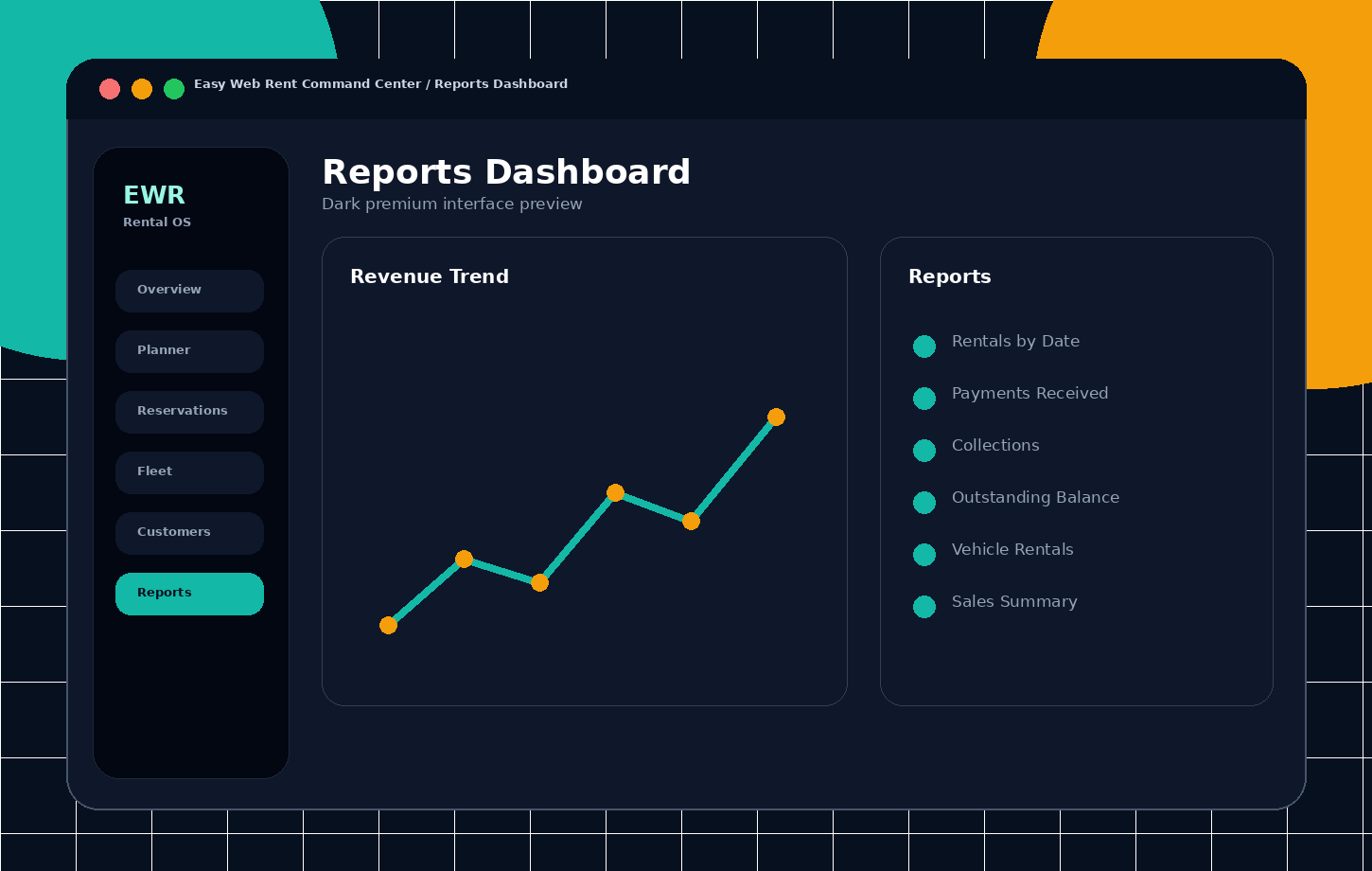
Easy Web Rent reports and business analytics screen
Product interfaceReports and business analytics

Track revenue, payments, utilization, outstanding balances, profitability, maintenance, and daily operational performance.

Report delivery formats

  • Interactive data tables with filtering.
  • Print-friendly layouts and PDF output.
  • Excel export where supported.
  • Reusable report views for managers and daily operations.

Additional business analytics

  • Revenue, reservations, agreements, payments, and outstanding balances.
  • Vehicle status, performance, fleet utilization, and occupancy.
  • Customer history, taxes, charges, add-ons, maintenance, expenses, and damages.
  • Location performance, daily business, and monthly business summaries.
Included report library

Operational, financial and fleet reporting

Core report pages included in the platform.

Agreements with balanceOpen rental balances and collection follow-up.
Changed prices and discountsManual price changes and discount control.
CollectionCollections and received funds.
Coupon discount usagePromotion and coupon usage and value.
Customer outstanding balanceBalances summarized by customer.
Daily cashier closingDaily close and payment reconciliation.
DeliveryVehicle delivery-related activity.
Deposit liabilityOutstanding security-deposit liability.
Fleet profit and profitabilityIncome and expense profitability by fleet or vehicle.
Fleet utilizationUtilization and occupancy analysis.
Maintenance expiration dueMaintenance, insurance, or document due items.
Overdue agreementsRentals not returned by the expected time.
Payments by date or typePayment analysis by period and method.
Referral agent commissionAgent commission calculation and reporting.
Rentals by date or vehicleRental volume by period or unit.
Reservation pickupScheduled pickup workload.
Returns dueScheduled returns and due-back workload.
SalesSales and rental revenue.
Tax and charges detailTax and surcharge detail.
Vehicle profitabilityPer-vehicle financial performance.
12
Supporting modules

Agents, commissions, traffic fines and auxiliary modules

Supporting modules extend the rental workflow into referral management, compliance, subscription administration, and end-user guidance.

Referral agents and commissions

  • Create, edit, view, and deactivate agents.
  • Commission rules, commission records, and payment records.
  • Referral-agent selection during booking.
  • Commission reports and partner statements.

Traffic fines

  • Create, edit, view, and delete traffic fines.
  • Attach customers, vehicles, reservations, agreements, and supporting documents.
  • Mark fines paid and charge the customer through the agreement or payment context.

My Account and subscription

  • Account overview, invoice detail, and subscription payment action.
  • Subscription access controls for accounts with restricted access.

User guide

  • Guide index, topic details, and table of contents.
  • Multilingual guide content and PDF export.
  • Guide document upload for operational assistance.
13
Global operation

Languages, translations and content administration

Application translations and customer-website content can be maintained inside Easy Web Rent without editing source code.

Language management

  • Create, update, and remove supported languages.
  • Switch the active application language.
  • Identify missing translations and keep interface text complete.

Translation editing and exchange

  • Add, update, and remove translated text.
  • Import, export, and synchronize translations between systems.
  • AI-assisted translation where configured.
  • Support for English, Spanish, Dutch, French, Portuguese, and Papiamentu.

Website content management

  • Maintain home, fleet, reservation, location, about, contact, privacy, and terms content.
  • Upload, browse, and delete images.
  • Manage page banners and theme options.
Easy Web Rent visual rent planner
Unified operational data

One record follows the customer from booking to closure

Customer, driver, vehicle, pricing, payment, and document information remains connected as the rental moves through each stage.

  • Consistent availability and server-side rate calculations
  • Traceable lifecycle status and change history
  • Shared data across staff, website, and integration channels
  • Reporting and accounting generated from operational records

See how the features fit your rental company

Tell us about your fleet, locations, booking workflow, payment methods, website, reporting, or integration requirements.